
Using Peeps · Account
Notifications
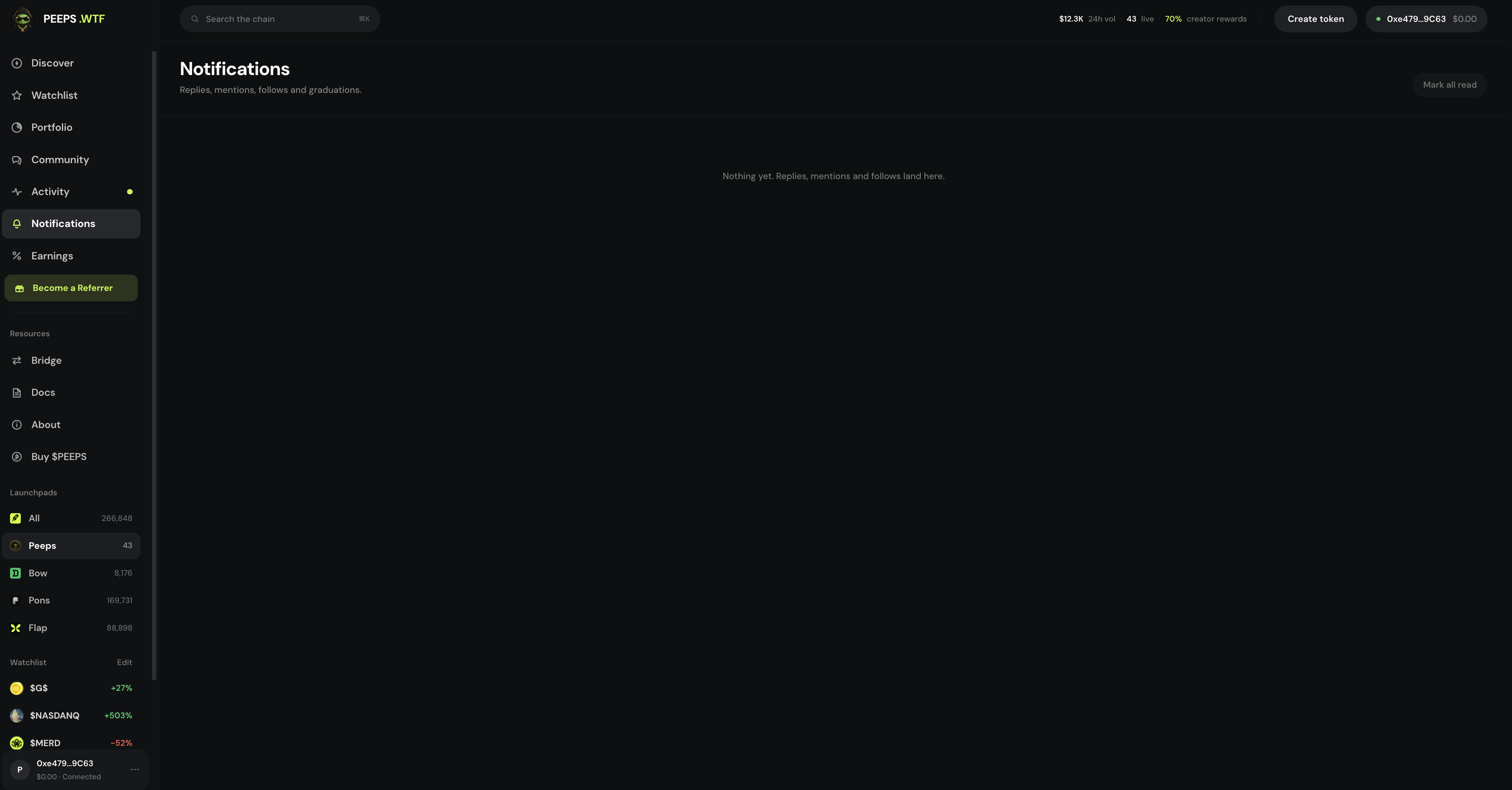
Your private account alert feed — open from the sidebar or bell, clear unread with Mark all read at /launchpad/notifications.
At a glance
Private inbox kinds: reply, mention, follow, token graduated. Not a mirror of public Activity.
Quick tip
Connect and sign in to load your feed. Peeps never asks for a seed via notification.
Notifications keep you current on activity tied to your account — without living in the public Activity timeline all day. Think of Activity as the platform pulse and Notifications as your personal inbox for things that matter to this wallet.
Open them from the Discover sidebar, the bell in the app chrome, or directly at /launchpad/notifications. The bell is for a quick peek with an unread badge; the full page is better when you want history or to clear everything with Mark all read.
Notifications require a connected wallet and sign-in so Peeps can load your private feed. Until you connect, you will not see personal alerts — that is expected, not a bug. Sign-in messages prove you control the address and should not transfer funds.
Items typically deep-link into tokens, profiles, or other Peeps surfaces. Treat a notification as a pointer, not as advice: open the destination, verify contracts, and decide for yourself. Notifications are not a substitute for Discover, Watchlist, or reading a token page.
Where to find it
- Sidebar / menu → Notifications
- Bell control in the app chrome (unread indicator when you have new items)
- Direct route: /launchpad/notifications
- Sits with Account surfaces near Portfolio and Earnings in the sidebar
What lands in your inbox
Notifications are a fixed set of personal events — not a mirror of every Discover or Activity item. Today the feed covers:
| Kind | What it means | Typical deep link |
|---|---|---|
| Reply | Someone replied to your thread message | Token Thread / message context |
| Mention | Someone mentioned you in a thread | Token Thread |
| Follow | Another wallet followed your profile | Their profile |
| Token graduated | A token tied to you graduated (for example one you created) | Token page |
- Does not alert on every board trade, every callout, or every platform Activity row
- Does not replace Watchlist or Discover for market moves
- Empty inbox after connect usually means nothing personal has fired yet — not a broken bell
Bell vs full page
The bell is a chrome shortcut: glance at recent items and see whether anything is unread. The full Notifications page at /launchpad/notifications is the durable list — scroll history, open deep links, and use Mark all read when you are caught up.
Connect and sign in
Connect your wallet and complete sign-in when Peeps asks so the private feed can load for this address.
Open the bell or the page
Use the bell for a quick peek, or open /launchpad/notifications (or sidebar → Notifications) for the full list.
Follow deep links carefully
Tap an item to open the related token, profile, or surface. Still verify contracts and network before you trade from a notification.
Mark all read
When you are caught up, use Mark all read from the bell or the notifications page so the unread badge clears.
Bell vs full page
The bell is for a quick scan. The full Notifications page is better when you want to scroll history or clear everything with Mark all read. Items typically deep-link into tokens, profiles, or other Peeps surfaces.
- Sidebar → Notifications
- Connect + sign in required
- Unread clears after Mark all read
Terms you will see
- Notifications
- Your account alert feed at /launchpad/notifications.
- Reply / Mention / Follow / Graduated
- The four notification kinds — personal events, not the full Activity board.
- Bell
- Chrome control with an unread indicator and quick list.
- Mark all read
- Clears unread badges across the notifications feed.
- Sign-in
- Message signature required to load your private feed — should not move funds.