
Fees & rewards
Referrals
Standard invite shares (5% of LP fees + 0.05% of Peeps-routed swaps), attribution flows, and how to claim swap ETH vs LP WETH.
At a glance
Standard invite: 5% of attributed Instant-style LP fees (claim WETH) + 0.05% of Peeps-routed swap volume (claim ETH). Share → attribute → claim streams separately.
Quick tip
Open Claims & details for Swap claimable (ETH) and LP claimable (WETH).
Every connected user can share an invite link. When people use your link to launch on Peeps or trade through Peeps-routed swaps, you may earn a share of eligible fees. Referrals are a growth tool for the community — not a guarantee of income.
This page covers the standard invite percentages, how attribution flows for launches vs swaps, and how to claim each reward stream. If a promo plan shows different rates in the UI, trust the live panel over this doc.
Your referral card also lives on Profile (/launchpad/profile) so you can copy an invite without leaving account surfaces. Claims need a wallet signature and Robinhood Chain gas ETH — same as creator fee claims.
Referrals are not a license to mislead people about risk. Meme tokens can go to zero. Sharing an invite does not make a token safer, and attributed volume is never guaranteed.
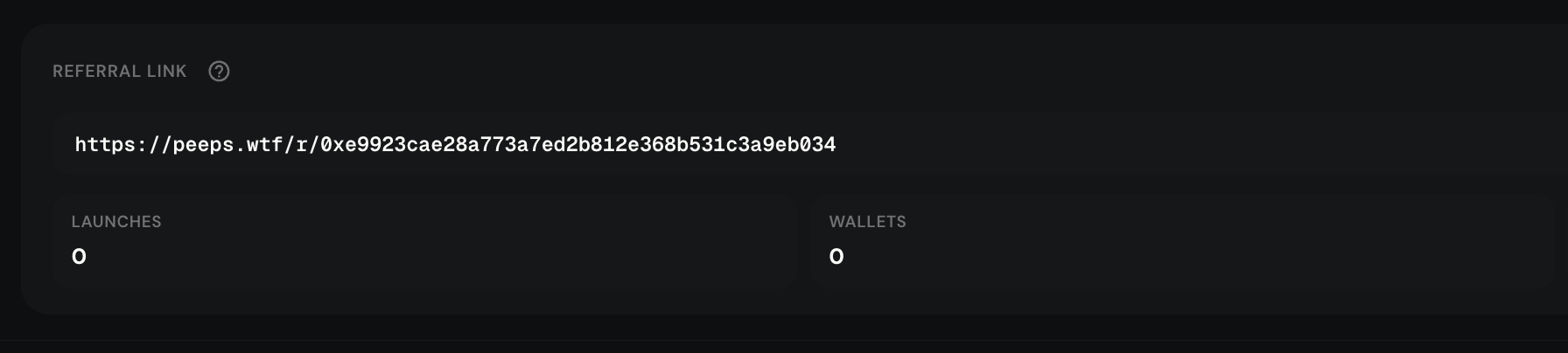
Where to find it
- Profile → Referrals card / tab
- Direct route: /launchpad/referrals
- Menu → Invite (when listed)
What you can do
Connect and open Referrals
Connect your wallet, open /launchpad/profile or /launchpad/referrals, and sign in when Peeps prompts you to manage invite settings or claims.
Copy your invite link
Your link is wallet-based by default. Copy it and share it in places you already have trust — Community, your socials, or direct chats. Do not cold-spam strangers with fake “guaranteed” returns.
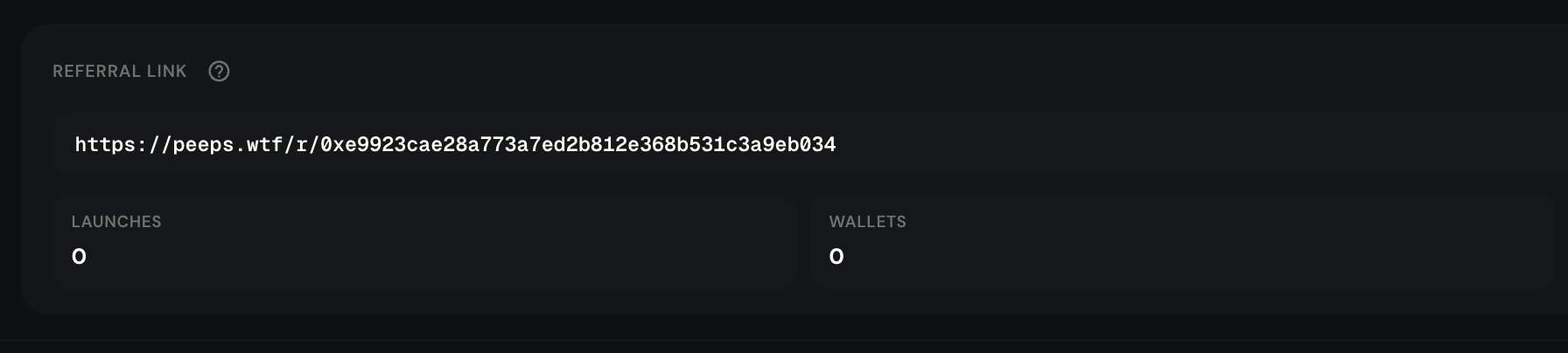
Share the official invite URL — not a re-hosted lookalike. Optional username or custom code
When available, you can switch to a username or custom code that is easier to say out loud. Old links generally keep working after you change vanity settings — confirm in the UI.
Track and claim
Watch attributed launches and traders at a high level in the referrals view. Open Claims to review and claim available referral balances with a wallet transaction (needs gas ETH).
- Copy your link (wallet-based by default)
- Optionally switch to a username or custom code — old links keep working
- Track attributed launches and traders at a high level
- Open Claims to review and claim available referral balances
Reward shares (standard invite)
Under the standard invite plan shown in the Profile referrals help text, rewards come from two separate streams. Both only pay when attributed activity actually happens — sharing a link alone earns nothing.
| Stream | Your share | When it can accrue | What you claim |
|---|---|---|---|
| Launch / LP fees | 5% of the pool’s LP fees | Someone launches with your invite and their token’s pool collects eligible LP fees (Classic V3 / Instant-style pools use a 1% pool fee) | LP claimable balance (WETH) |
| Peeps-routed swaps | 0.05% of swap volume | Someone trades through Peeps aggregator / Peeps-routed swaps while attributed to your invite | Swap claimable balance (ETH) |
In plain language: pool LP fees are 1% on those Instant-style launches — your invite earns 5% of that fee slice when a launch is attributed to you. Separately, when referred traders swap through Peeps, you can earn 0.05% of that routed volume. These are not the same pot, and they claim separately.
How attribution flows
Attribution means Peeps ties later activity back to your invite wallet. You share a link; they open Peeps in that invite context; then either they launch a token or they trade through Peeps. You see high-level counters (attributed launches / referred traders) on the referrals card.
You share
Copy your invite from Profile → Referrals or /launchpad/referrals. Wallet link is the default; optional username / custom code when available. Old links usually keep working after vanity changes.
They arrive with your invite
They use your link (or stored invite context) so Peeps can attribute their wallet. Cold traffic without your invite does not pay you.
Launch path
If they create a Classic V3 or Tax V4 launch while attributed, you may earn from eligible pool LP fees on that launch over time — reflected in LP claimable (WETH) when collectable.
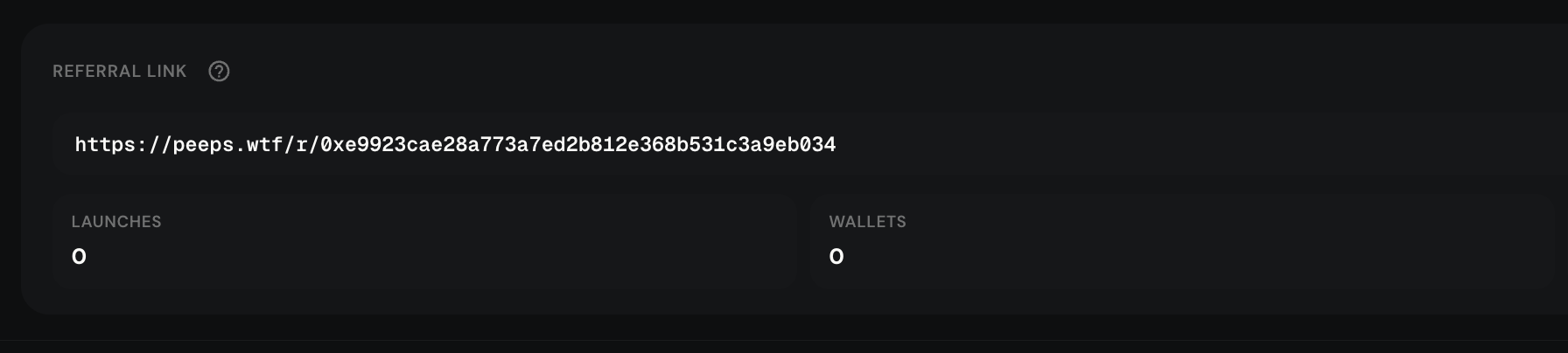
Launches counter ticks when create attribution succeeds. Swap path
If they buy/sell through Peeps-routed swaps while attributed, swap referral rewards can accrue as ETH — separate from LP/WETH claims.
| Step | You | They |
|---|---|---|
| Share | Copy invite from Profile / Referrals | Receive a link |
| Attribute | See launches / traders on the referrals card | Launch or trade via Peeps using your invite context |
| Accrue | LP (WETH) and/or swap (ETH) claimable balances grow | Keep using Peeps normally |
| Claim | Open Claims — claim swap and LP streams separately | Unaffected by your claim tx |
Claims: what you open and click
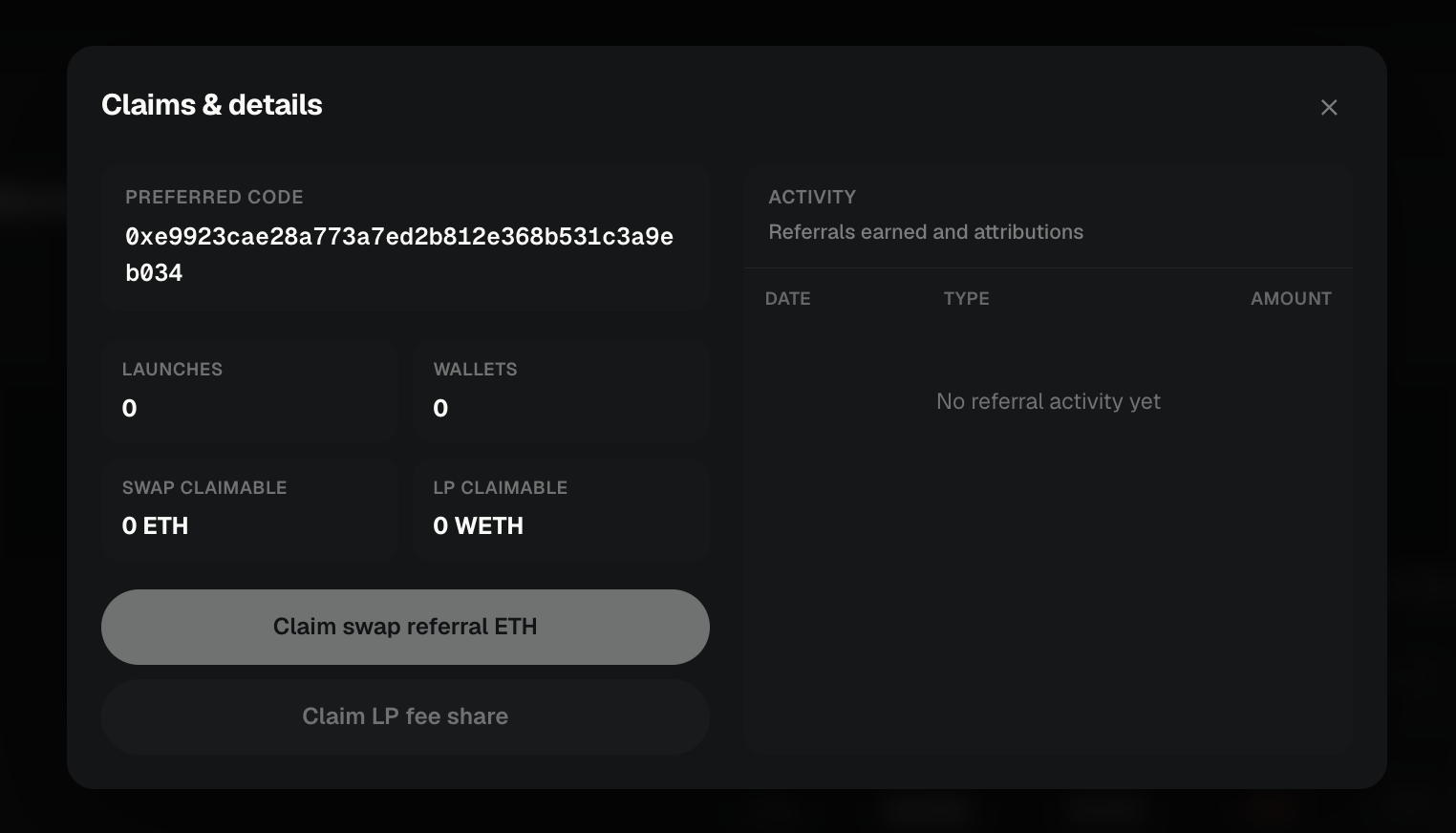
Open Claims from the referrals card (Claims & details). The modal shows two claimable lines and a history list. Connect + sign in when prompted, keep ETH for gas, and wait for each transaction to confirm before retrying.
- Swap claimable — ETH from Peeps-routed swap referrals — claim with the swap claim action
- LP claimable — WETH from attributed launch / LP fee share — claim with the LP claim action
- History rows you may see: Swap referral, Swap claimed, LP claimed, Launch attributed, Wallet referred
- Zero balances mean nothing is ready yet — attribution without volume does not create a claim
Open Claims & details
From Profile referrals or /launchpad/referrals, open the claims panel.
Read both balances
Check Swap claimable (ETH) and LP claimable (WETH). They are independent — you can claim one without the other.
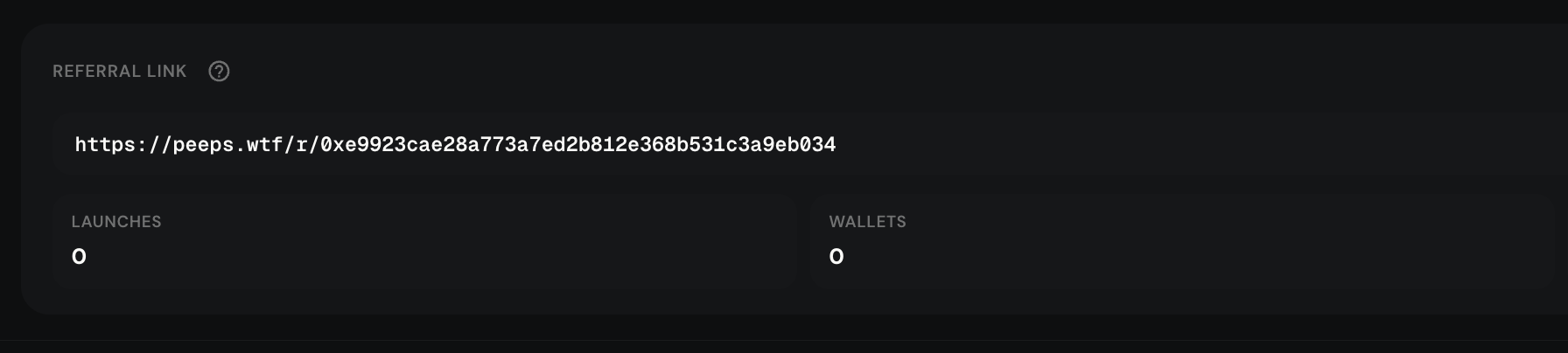
Two streams, two claim buttons, one history list. Claim swap and/or LP
Use the matching claim button for each positive balance. Confirm in your wallet. Gas is paid in ETH on Robinhood Chain.
Confirm history
After success, history should show a claimed row. If the UI still shows the old balance, wait for confirmation / refresh before sending another claim.
Claims are on-chain
Referral rewards are not a custodial payout Peeps sends off-app. You withdraw claimable ETH (swaps) and WETH (LP) with wallet transactions. Failed claims are usually wrong network, missing gas, or a zero balance — not a broken invite link.
- Swap stream → ETH
- LP stream → WETH
- History helps you audit what accrued vs what you already claimed
Terms you will see
- Invite link
- Your shareable URL from Profile → Referrals or /launchpad/referrals.
- Attribution
- When someone launches or trades in a way the product ties back to your invite.
- LP fee share (5%)
- Standard invite cut of eligible Instant-style pool LP fees from attributed launches — claimed as WETH.
- Swap referral (0.05%)
- Standard invite cut of Peeps-routed swap volume — claimed as ETH.
- Swap claimable
- ETH waiting in Claims for swap-referral rewards.
- LP claimable
- WETH waiting in Claims for launch / LP-fee referral rewards.
- Vanity code / username
- Optional easier-to-say invite identity; old links usually keep working.
- Sign-in
- Message signature to manage vanity settings or claims — should not move funds by itself.